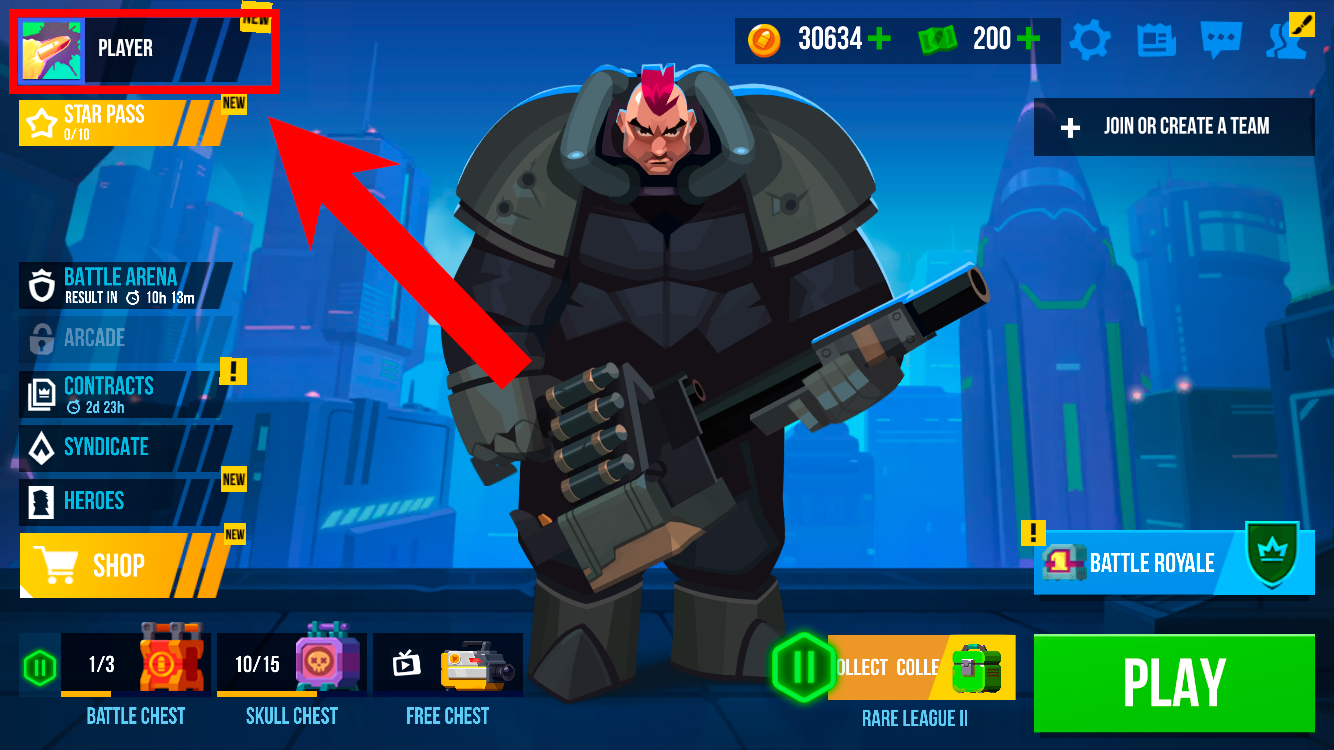
Step 1. On the main screen, tap your profile icon in the top-left corner.
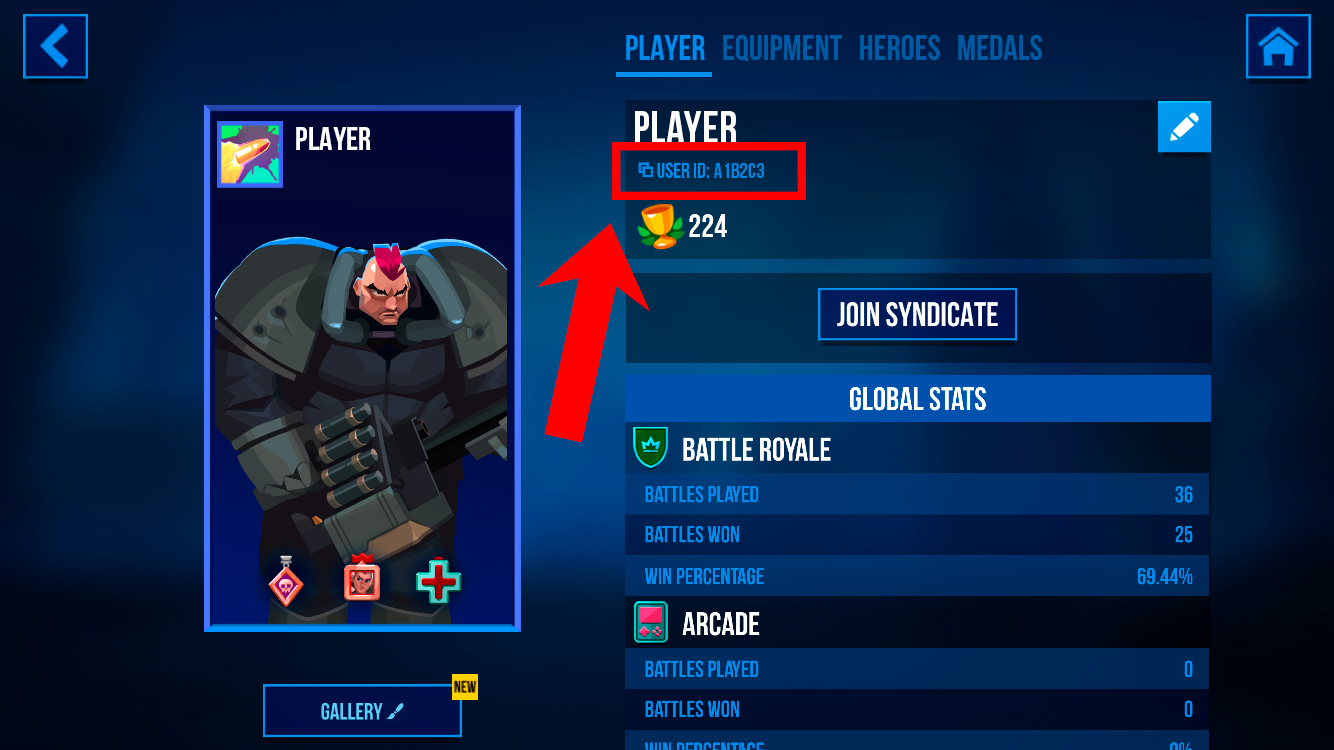
Step 2. On the Player profile screen, find the Profile ID field — it's located right below your nickname.
Step 3. Tap on the Profile ID to copy it. You'll see a confirmation message: "Your Game ID Copied".
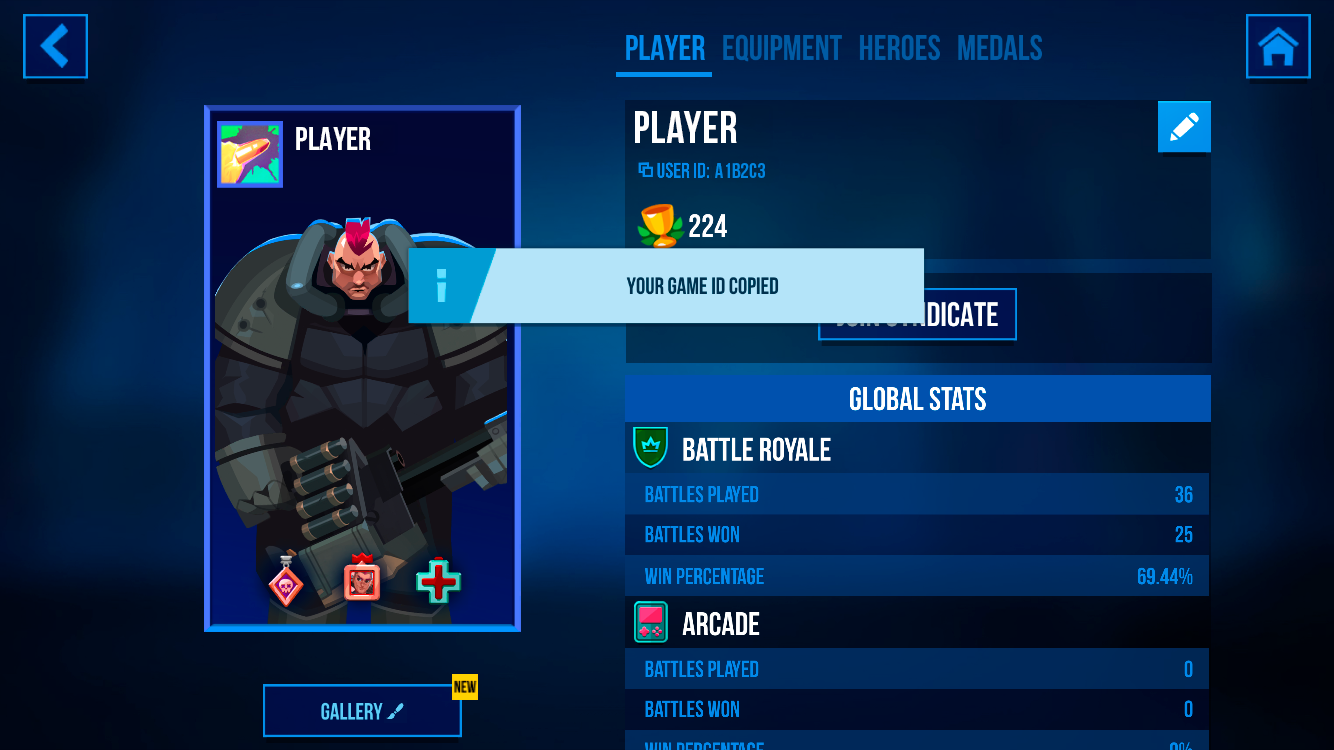
Done! Now you can paste your Profile ID wherever you need it.
Alternative Way
You can also find your Profile ID in Settings:
Step 1. On the main screen, tap the gear icon (⚙️) in the top-right corner.

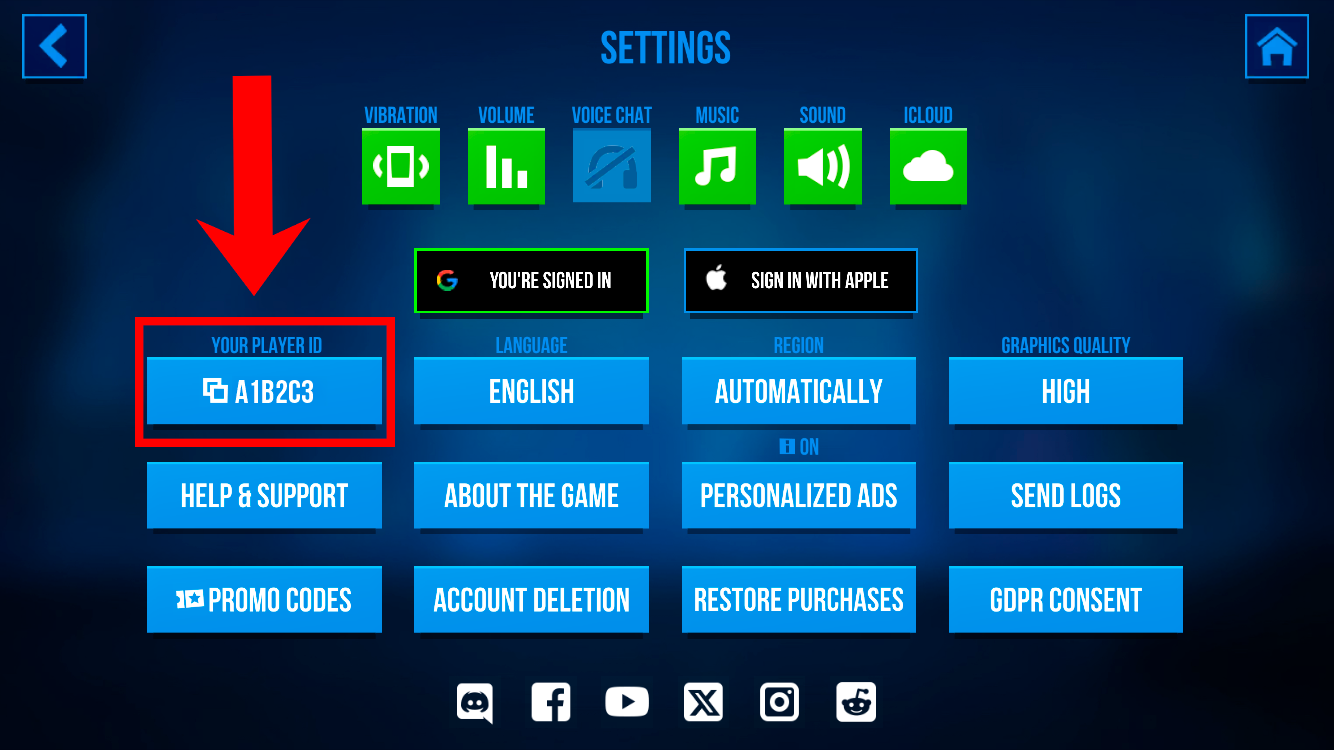
Step 2. In the Settings menu, find the YOUR PROFILE ID button and tap it to copy.